




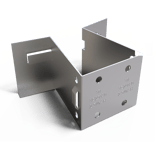

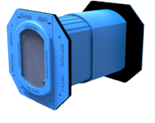

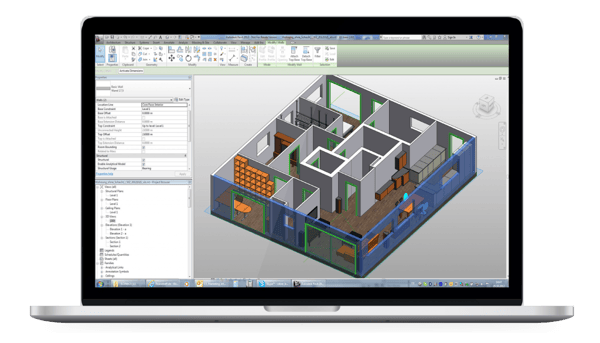
Firestop Clash Management, a plugin for Autodesk Revit®, now includes the ability to identify and assign firestop systems for construction joints. Whether the construction joint is needed for applications such as floor to floor, floor to wall, wall to wall, head of wall, or bottom of wall, FCM has it covered. For those already familiar with the plugin with the use of penetrations, the process is the same for construction joints.
Step 1: Identify where firestop is needed by choosing “Find Joint Locations”
- This process uses all the information in the model to identify where firestop is required.
Step 2: Verifying/Choosing the firestop system for each assembly
- The plugin will narrow down the selection of firestop systems according to the information in the model and solutions are grouped to reduce the number of different firestop systems required.
Step 3: Reporting on all the firestop systems assigned
Each area firestop has been assigned can be found and exported through a CSV file or a submittal can be generated based on the systems that have been assigned.
Date And Time
Event Location/Form
Event Address
Tags
Share With Friends